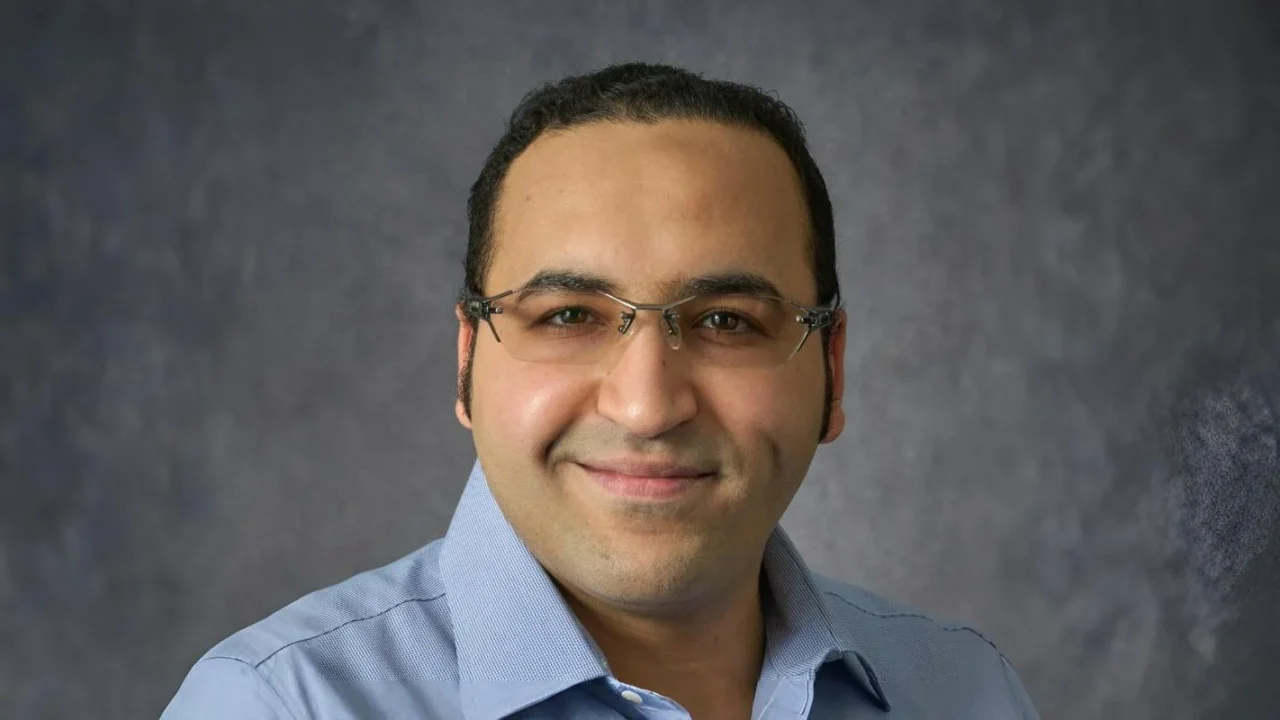
Elsayed Zaabout, Graduate Research Assistant at MD Anderson Cancer Center, shared a post on LinkedIn:
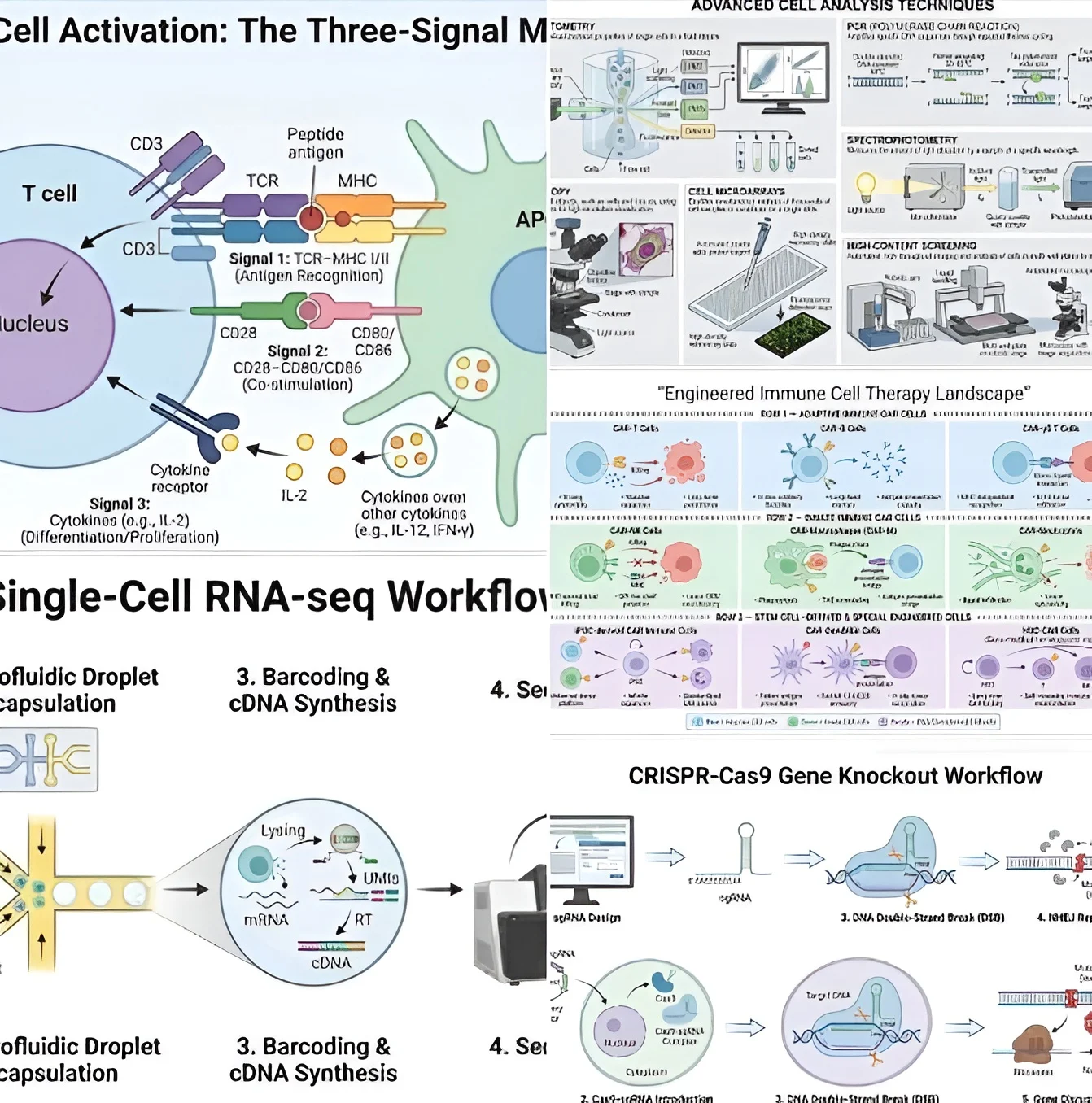
“I received a lot of messages recently asking how I generated the scientific diagrams I shared, so here’s a quick public answer for everyone. There’s no secret tool or advanced technique.
I simply used ChatGPT 5.1 Plus and Gemini 3 Pro, and the real magic comes from a detailed prompt that clearly defines the components you want. For example, for a CRISPR knockout diagram, the prompt includes: Create a scientific diagram…Use vector icons, pastel colors (you can elaborate on the specific colors), clean outlines, and a professional look.
Left-to-right or any other direction you prefer for the workflow, with labeled steps including: sgRNA design>Cas9–sgRNA delivery> DNA double-strand break (scissors icon)> NHEJ repair> Gene disruption outcome.
When you structure your prompt like this, the AI produces clean, publication-style visuals in minutes. I am not sure about the free versions. Thank you!”